Launch MT5 web terminal instantly
Access Deriv MT5 directly from your browser — no downloads or installations required. Trade from anywhere with internet access and enjoy the same powerful features available on desktop and mobile.
Why choose the MT5 web terminal
No installation needed
Start trading instantly from any browser you prefer.
Always up to date
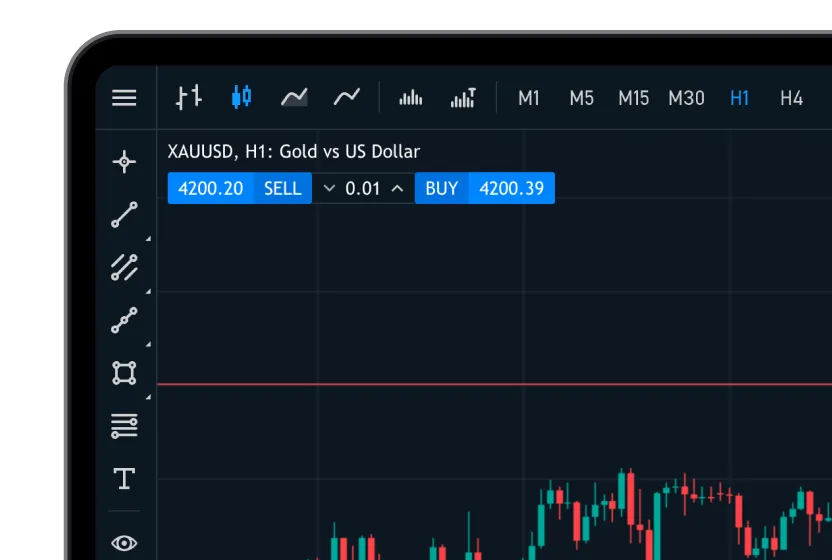
Place market and pending orders, manage positions, and analyse charts.
Seamless account access
Log in with your Deriv MT5 credentials and trade across all your accounts.
How to access Deriv MT5 on your browser
1
Sign up or log in
Create a free Deriv account, or log in if you already have one.
2
Open Deriv MT5
Select Deriv MT5 on your dashboard and choose the account you want to trade on.
3
Log in to your MT5 account
Enter your MT5 login details to access your trading account.
4
Start trading
Choose your market and start trading instantly on the web terminal.
1
2
3
4
Web terminal vs desktop app: What’s the difference?
Deriv MT5 web terminal FAQs
Is the MT5 web terminal secure?
Do I need to install any software or plugins?
Does it work on mobile browsers?
Are all features available on the web terminal?