All your trading in one app
Manage your accounts, move your funds, and access global financial markets wherever you are, whenever you want.

Everything you need to get started
Manage your account with ease
Track your balance, monitor your portfolio, and switch between real and demo accounts anytime.

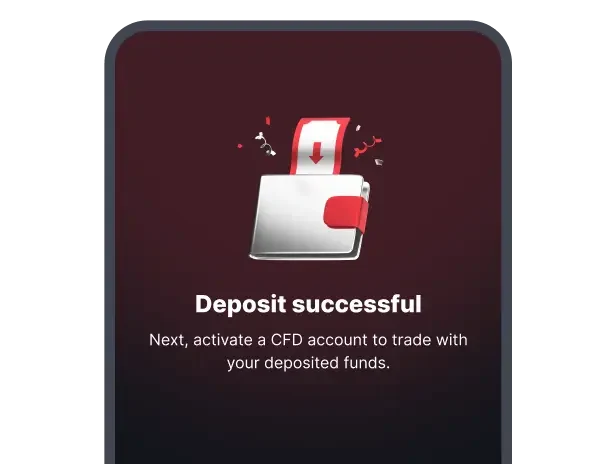
Fund your trading
Deposit, withdraw, or transfer funds between your accounts so you’re ready to trade without delay.

Trade on your preferred platform
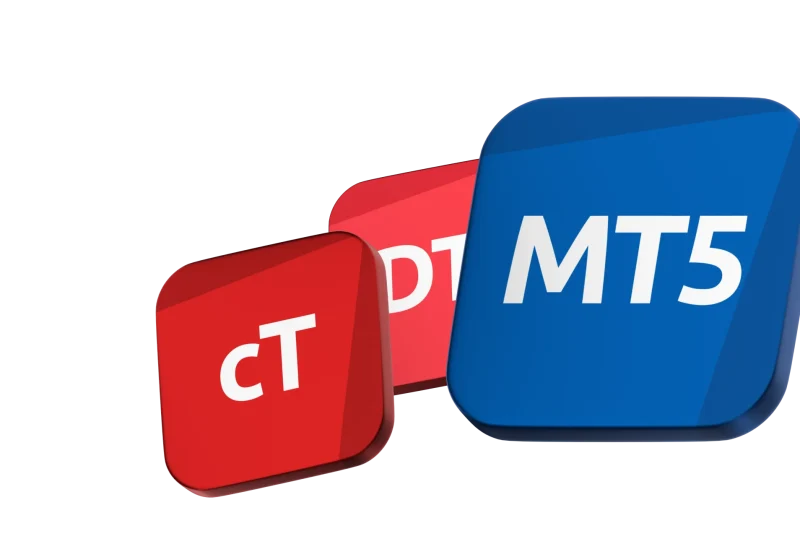
Open MT5, cTrader, or Deriv Trader directly from the app and continue trading the way you want.

Android & iOS
Download app

Two ways to trade
Trade CFDs on global markets
Select Deriv MT5 or Deriv cTrader — two of the most powerful CFD trading platforms. Open them in your browser or continue in their apps.
Trade options instantly
Trade options directly in the app with Deriv Trader. Access accumulators, multipliers, turbos, and vanillas contract types in just a few taps.
Get started in three steps
Step 1
Download the Deriv trading app
Available on the App Store and Google Play.

Step 2
Create your account
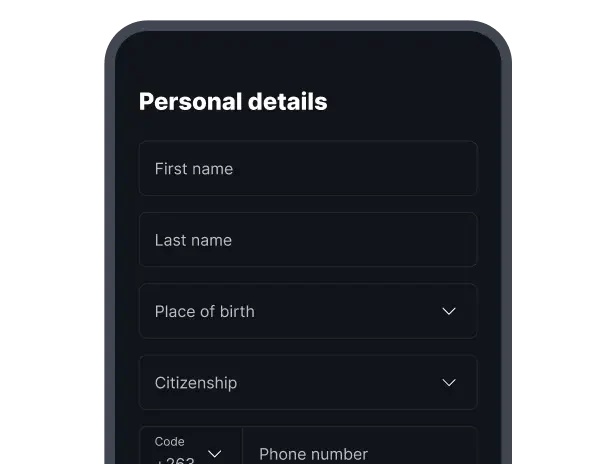
Sign up for free and verify your identity to unlock full access to the app.
Step 3
Fund your account and start trading
Make your first deposit and choose how you want to trade — CFDs or options.